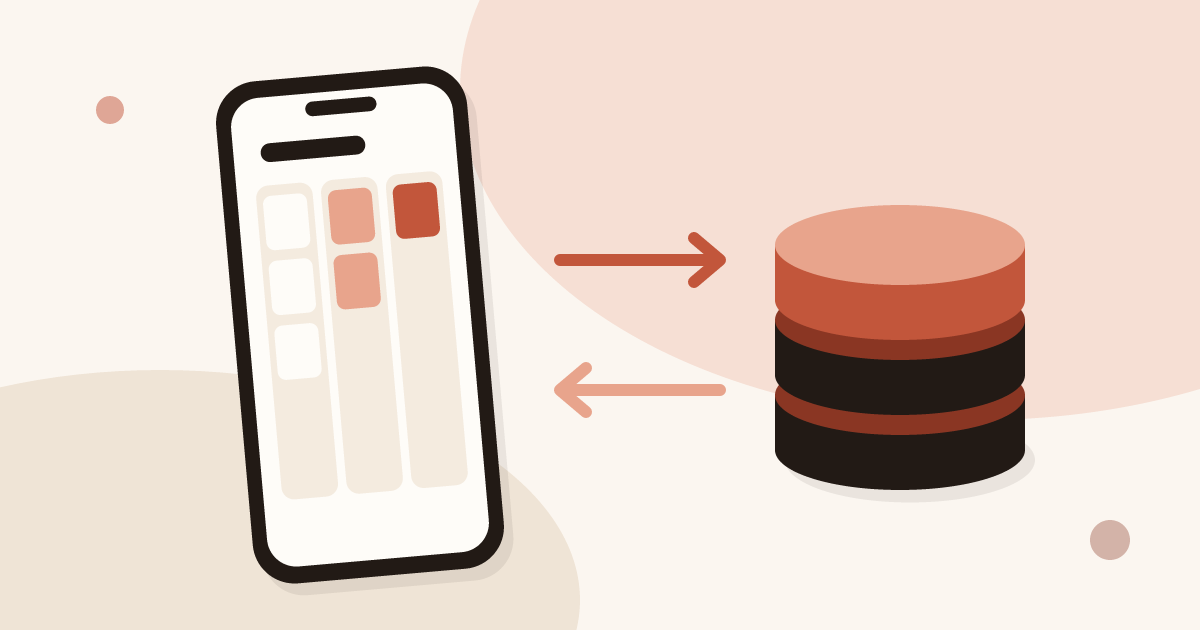
 Guide
CRM mobile app: features, offline use and integrations
Definition of a mobile CRM app, features to expect, offline use, integrations and team rollout, with the place of Piktechs next to your CRM.
Right after each meeting, your reps add notes, answer the questions, set the priority and the follow-up reminder from their phone. The lead reaches your CRM complete.
No more notebook or spreadsheet between the meeting and the CRM.
The form answers, the date and the source arrive on the contact. Pick up any lead where it stopped.
Type a note or record a voice memo. It is saved on the contact, and you can play it back any time.
Answer your qualifying questions and set a priority. Know which leads to call first.
Contact details, company, source and tags, filled in from the form or the Lead Scanner, then synced to your CRM.
Type, speak or snap a business card. Every note stays on the contact and travels to your CRM.
Dated and signed by the rep.
Speak for up to two minutes. The recording is saved on the contact.
Snap a paper card and the Lead Scanner reads it into a new contact.
Set your own questions. They are answered in a tap. Then set a priority.
Rate each lead High, Medium or Low, add tags, then filter your list to see how many sit in each group.
Illustration. Names are sample data.
Set a follow-up reminder on any contact. Your day starts with the list of people to call.
Your card’s form, the Lead Scanner and manual entry land in the same list, ready for your CRM.
Your contact leaves their details and answers your questions. The lead arrives with the date and the source.
One photo of the paper card you're handed, and the record is created.
A prospect met over the phone? Add them in ten seconds.
HubSpot and Odoo natively, any other tool through Zapier and Make, CSV at any time. No CRM yet? Work from Contacts and export.
Export everything anytime. Piktechs doesn't sell your data.
Another question? Write to us.
No, and it does not try to be. Piktechs covers the field: capture, qualification, notes and follow-up reminders. Your CRM stays the system of record and Piktechs feeds it: HubSpot or Odoo natively, any other tool through Zapier and Make. Without a CRM, Contacts and the CSV export are enough to work.
No, they are recorded as is, up to two minutes, and playable from the record. You can also type a note.
You paste a HubSpot private-app token in your settings. Piktechs contacts are then created or updated in HubSpot.
Leads left on your card are queued on the visitor's phone and sent when the network returns. Contacts already loaded stay readable.
No. Contacts, the form, the Lead Scanner, analytics and CRM sync are part of Pro and Team, with a 14-day trial.
GuideDefinition of a mobile CRM app, features to expect, offline use, integrations and team rollout, with the place of Piktechs next to your CRM.
16 min read Guide
Learn how to qualify sales leads in B2B: MQL and SQL, BANT criteria, questions for the field, simple lead scoring and a clean handover to your CRM.
14 min read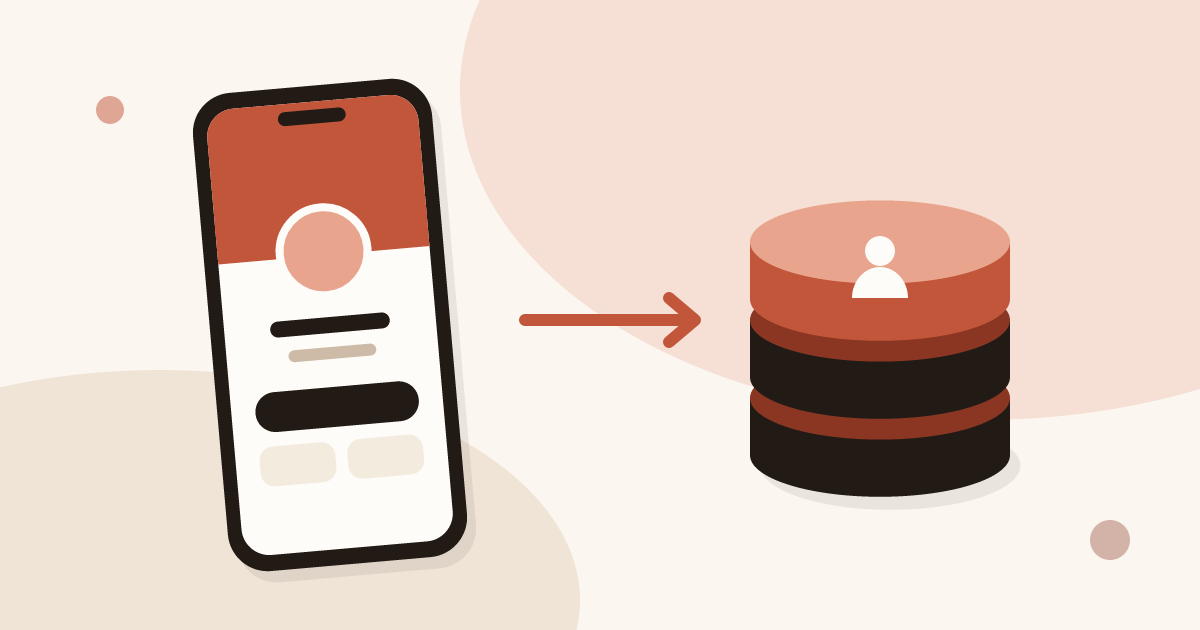 Article
Send every contact from your digital business card to HubSpot, Odoo or another CRM through Zapier or Make, with the source, notes and consent attached.
8 min readTry Pro for 14 days: form, Lead Scanner, Contacts, CRM sync and analytics.